Installation on MacOs
Method 1: Installation of ChannelAttribution Pro JLab through the installation script
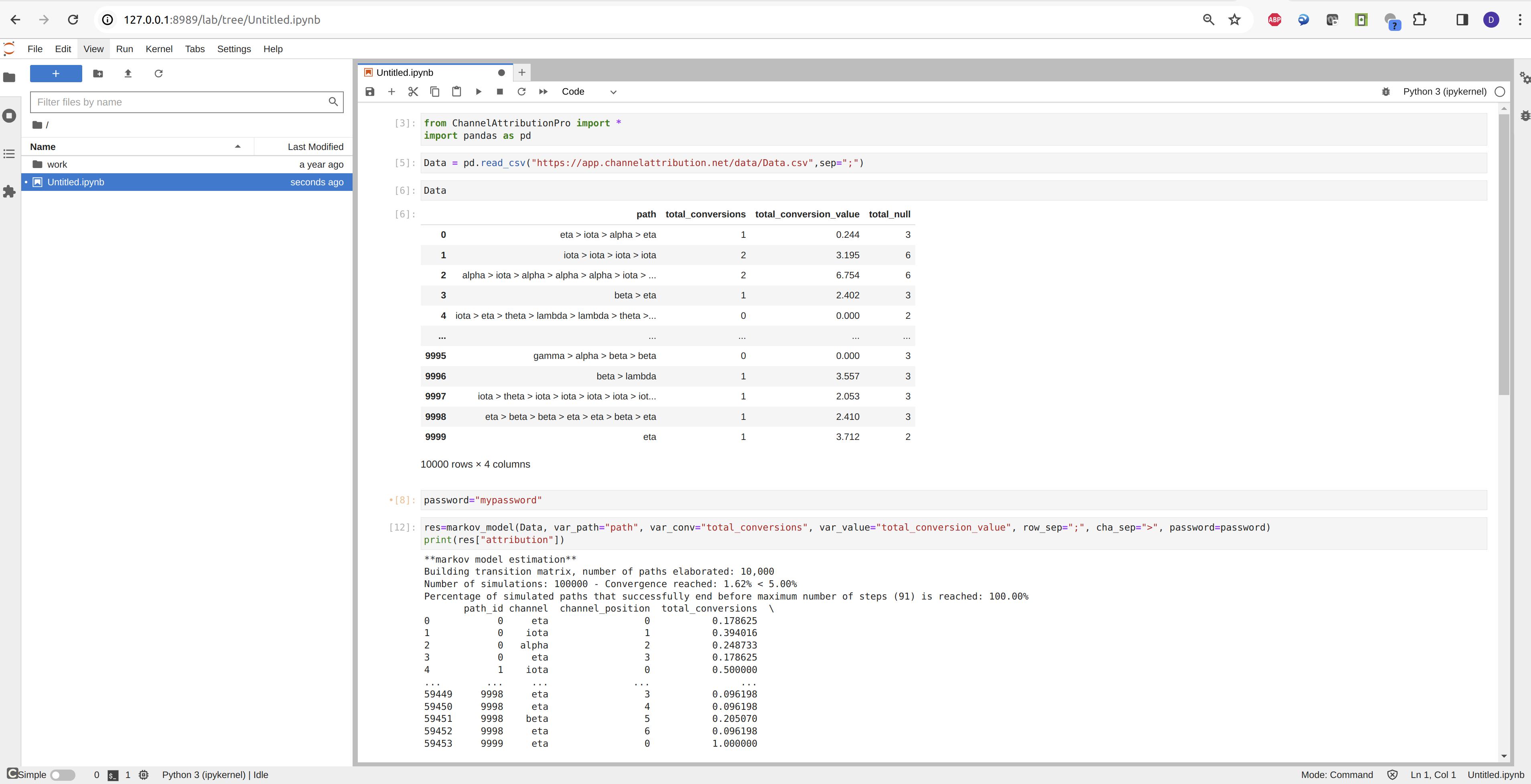
For Mac, ChannelAttribution Pro is available through ChannelAttribution Pro JLab, a docker container which includes Jupyter Lab with Python, R and ChannelAttribution Pro installed.
-
Download and install Docker for Mac
-
Download run-chattrpro-jlab.sh
-
In a terminal give to run-chattrpro-jlab.sh the executable permissions:
cd /path/where/run-chattrpro-jlab/is/stored/
chmod +x run-chattrpro-jlab.sh
- Run run-chattrpro-jlab.sh:
sh run-chattrpro-jlab.sh
- Get a password to use ChannelAttribution Pro by filling in this short form
Method 2: Manual installation of ChannelAttribution Pro JLab
-
Download and install Docker for Mac
-
Download docker container chattrpro-jlab by running in a terminal the following instruction:
docker pull channelattributionpro/chattrpro-jlab:latest
- Start the container by running in a terminal the following instruction:
docker run -it --rm -v "/LOCAL/FOLDER":/home/jovyan -p 127.0.0.1:8989:8888 -e GRANT_SUDO=yes -u root --name channelattributionpro -d channelattributionpro/chattrpro-jlab:latest start.sh jupyter lab --NotebookApp.token=''
replace /LOCAL/FOLDER with the absolute path of a local folder you want to share with the container.
- In your favorite browser visit:
127.0.0.1:8989
- Install the latest version of ChannelAttributionPro through the open source package ChannelAttribution as shown here.